


Working From Home in an Open-Plan Apartment: How to Build a Focus Zone Anywhere
How to Work From Home in an Open-Plan Apartment (Even a Studio)
You don't have a spare bedroom. You have a couch, a kitchen island, and a laptop that's slowly migrated through every soft surface in your apartment. And somehow, between the espresso machine humming and your neighbor's standup leaking through the wall, you're supposed to do focused work.
Here's the reframe that changes everything: a home office isn't a room. It's a set of conditions. Once you stop hunting for square footage you don't have and start engineering the conditions you need, almost any apartment can support real work. The trick is knowing which conditions matter and how to stack them in your favor.
The Five Criteria for Choosing Your WFH Spot
Before you buy a single piece of furniture, audit your apartment against five criteria. Score each potential spot from one to five.
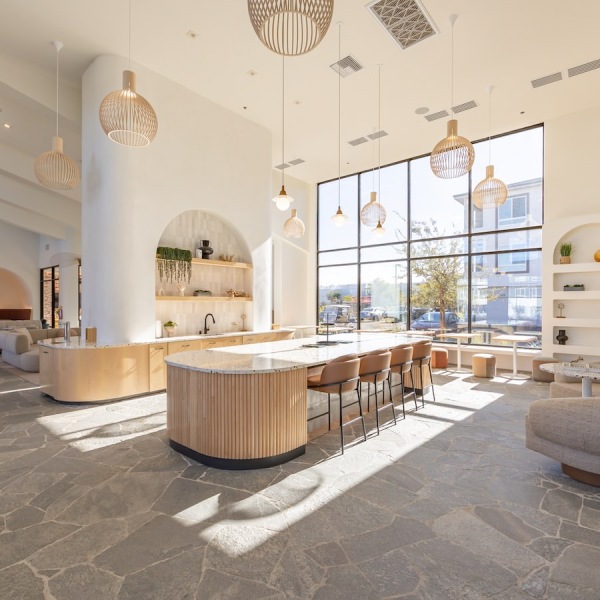
1. Light. You want natural light from the side, not behind you and not in your eyes. North-facing windows are the gold standard because the light stays consistent all day. South-facing works if you can diffuse it. Apartments designed with large windows and bright, open layouts — like the ones at Alma Apartments — give you the most flexibility here.
2. Sound. Identify the loudest things in your apartment: the fridge compressor, the bathroom fan, the HVAC vent, the street-facing window. Find the spot furthest from all of them simultaneously. That's your acoustic baseline.
3. Sight lines. What do you see when you look up from your screen? A blank wall is calming but deadening. A window is great. A pile of laundry or a sink full of dishes is a slow drip of cognitive load you'll feel by 3 p.m.
4. Distance from bed. The further, the better. Your brain associates your bed with sleep, and proximity blurs that wiring in both directions: you'll work worse during the day and sleep worse at night.
5. Distance from kitchen. Close enough to grab water, far enough that the fridge isn't whispering to you. If your "desk" is the kitchen counter, you've already lost.
Anywhere that scores 18 or higher across those five is workable. Below 15 and you're fighting your environment every day.
Desk and Chair: The Non-Negotiables
You will be tempted to skip this. Don't.
A real desk and a real chair are the single biggest predictor of whether working from home stays sustainable past month three. The couch destroys your back. The kitchen stool destroys your shoulders. The dining table is a compromise that becomes a problem the first time you have to clear it for dinner.
If space is tight, look at wall-mounted folding desks, narrow secretary desks (24 inches deep is enough), or a 40-inch console that doubles as an entryway table. For the chair, you don't need a $1,200 Herman Miller, but you do need lumbar support and adjustable height. A good used office chair on Facebook Marketplace will outperform anything from a big-box furniture store.
Lighting for Video Calls
Overhead lighting makes you look like a hostage. Backlighting turns you into a silhouette. The fix is a single light source in front of you, slightly above eye level, ideally diffused.
A cheap LED panel clipped to the top of your monitor solves 90% of video call lighting problems. If you have a window, face it. If your window is behind you, close the blinds during calls and use the panel. Your colleagues will notice. They won't be able to tell you why your video suddenly looks better — but they'll notice.
How to Manage Sound in an Apartment
You can't soundproof an apartment, but you can dampen it. Soft surfaces absorb sound: rugs, curtains, upholstered furniture, bookshelves full of books. Hard surfaces bounce it. If your workspace echoes when you speak, add soft things until it doesn't.
For incoming noise, invest in real headphones with active noise cancellation. For outgoing noise (your voice on calls), a dedicated USB microphone makes a bigger difference than any video upgrade — and it signals to everyone you talk to that you take this seriously.
What's Behind You on the Camera
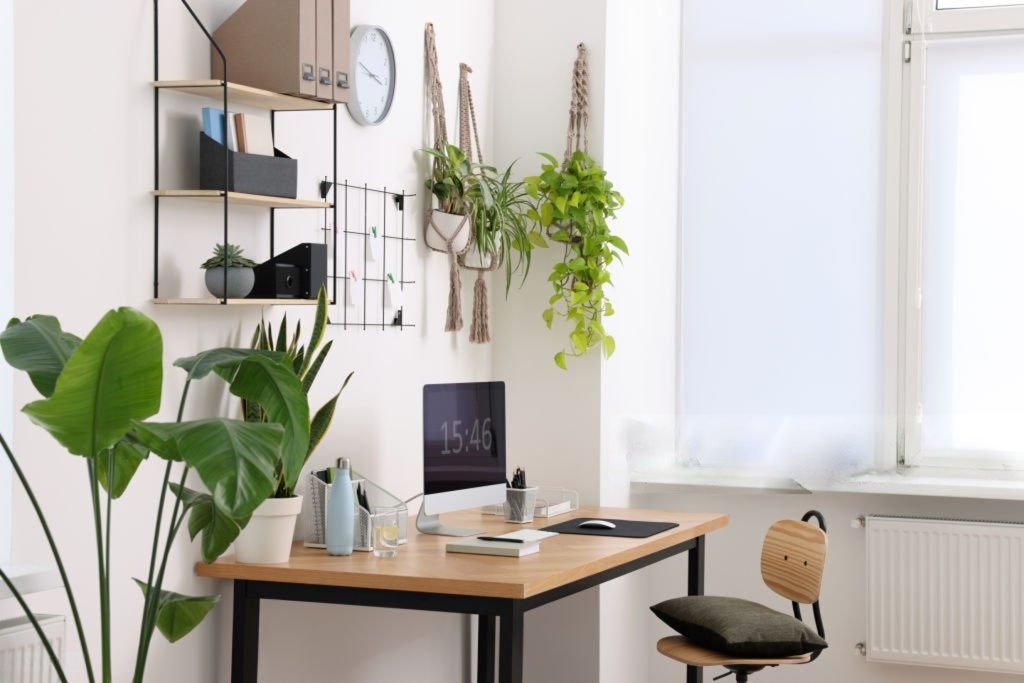
Your background is part of your professional surface area now. Audit it from the camera's perspective, not from where you're sitting.
You want depth (so you don't look pinned against a wall), something interesting but not distracting (a plant, art, a clean bookshelf), and zero clutter. If your only option is a messy background, use a real blur (your camera software can do this) rather than a virtual background, which still looks like a video game in 2026.
The Visual "Off Switch"
When work and home share the same square footage, the boundary between them has to be physical and visible. Three moves that work:
- Close the laptop. Not sleep, not lid-half-down. Closed and pushed to the back of the desk.
- Cover the desk. Throw a textile over it — a runner, a small blanket, anything that says "this is not a workspace right now." Sounds silly. Works immediately.
- The curtain trick. If your desk is in a nook or a corner, install a curtain rod and a curtain. Pull it across at the end of the day. Out of sight, out of mind, no renovation required.
Build a Shutdown Ritual
Conditions get you started. A ritual gets you to stop.
A shutdown ritual is a short, repeatable sequence of actions that marks the transition from work to not-work: clear your desk, write tomorrow's top three tasks on paper, close every tab, say "done" out loud if you live alone. The point isn't the specific actions — it's that your brain learns the sequence and uses it as a hard cutoff.
Without one, work bleeds. With one, your apartment becomes your home again at 6 p.m.
A Note for Studio Apartment Dwellers
If you live in a studio, your bed is in the room. That's the central problem, and there's no way around it — only through it.
Position your desk so that when you're working, the bed is behind you and out of your peripheral vision. Use a folding screen, a tall bookshelf, or a curtain to create a visual partition. Make the desk side of the studio "day" and the bed side "night," and try not to cross-contaminate: no laptop in bed, no breakfast at the desk. The partition is the whole strategy. Make it real.
If you're studio-hunting, look for layouts with a real alcove or an L-shape — those small architectural breaks make the partitioning dramatically easier. Alma Apartments' studio floor plans are designed with that kind of light-and-layout flexibility in mind.
Signs Your Apartment Can't Support WFH
Sometimes the answer is that your space genuinely can't do this. The signs:
- You take more than two calls a week from the bathroom for privacy.
- Your back hurts every Friday.
- You haven't had a focused two-hour block in a month.
- Your partner has started working from a café to escape you.
- You score under 15 on the five criteria for every possible spot.
If two or more of those are true, the problem isn't your setup. It's your floor plan.
When It's Time to Upgrade Your Space
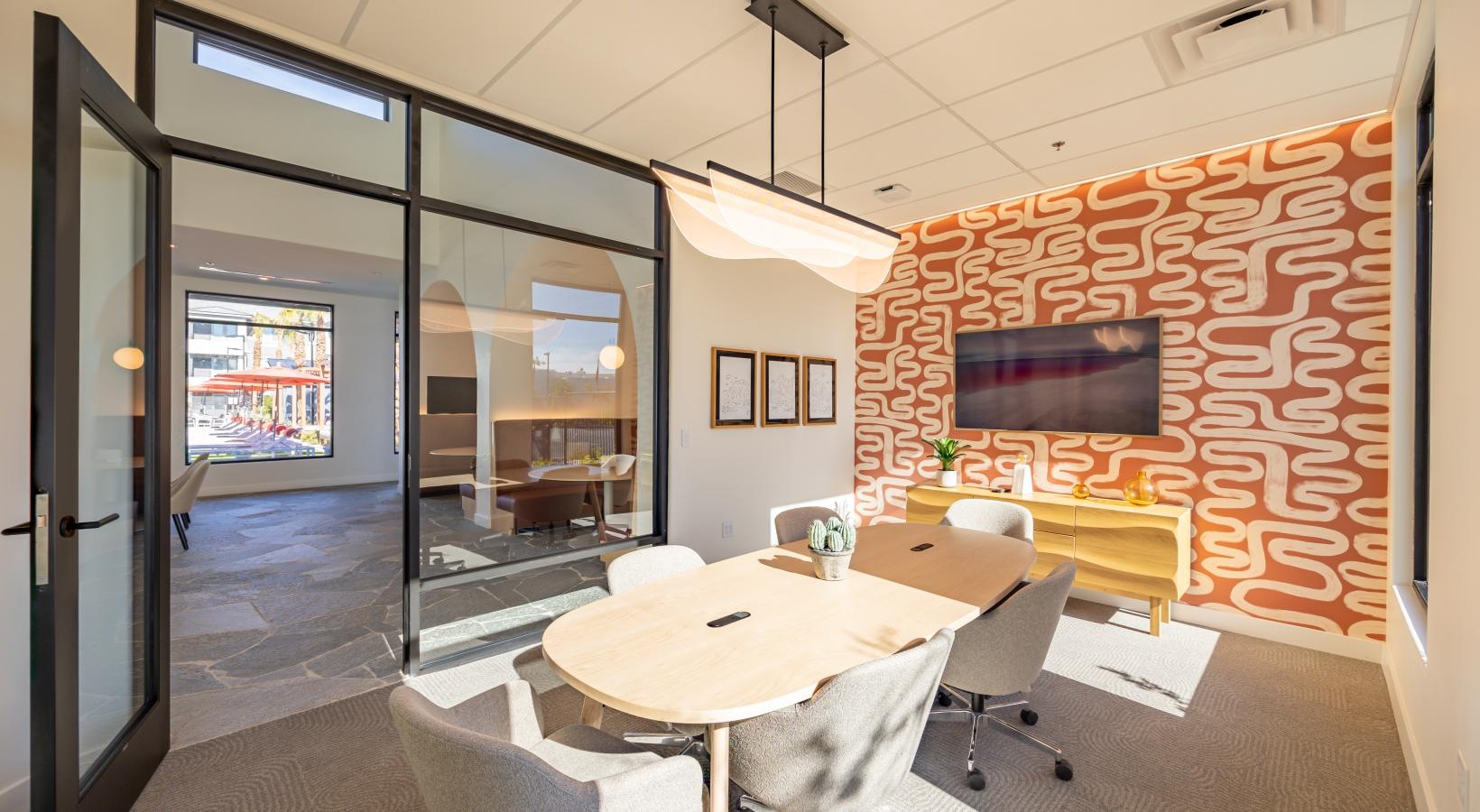
A focus zone can be engineered into almost any apartment — but not every apartment. If you've optimized everything and it still doesn't work, the answer is more space or better-shared space: a larger floor plan with a true work nook, or a building with coworking amenities so you have somewhere to go when your apartment can't deliver.
At Alma Apartments in Henderson, NV, residents get studio, one, two, and three-bedroom homes with large windows and light-filled layouts — plus a resident coworking lounge with private work spaces, an espresso and cold brew bar, and quiet outdoor amenities for when you need to step away from the screen. Take a virtual tour or book an in-person visit to see how the right floor plan can make working from home actually work.